Updates
Keklik November round-up: Google's own categories and every review, updated every week
Everything new in Keklik's scrapers this November, scraper by scraper: Google's own categories, search around an address, every business inside malls, company details with owners' names, and a big update for Google Maps Reviews.
- Author
- Shehriar Awan
- Published
- 9 Nov 2026
- Reading time
- 10 min
- Filed under
- Updates
Contents4 sections
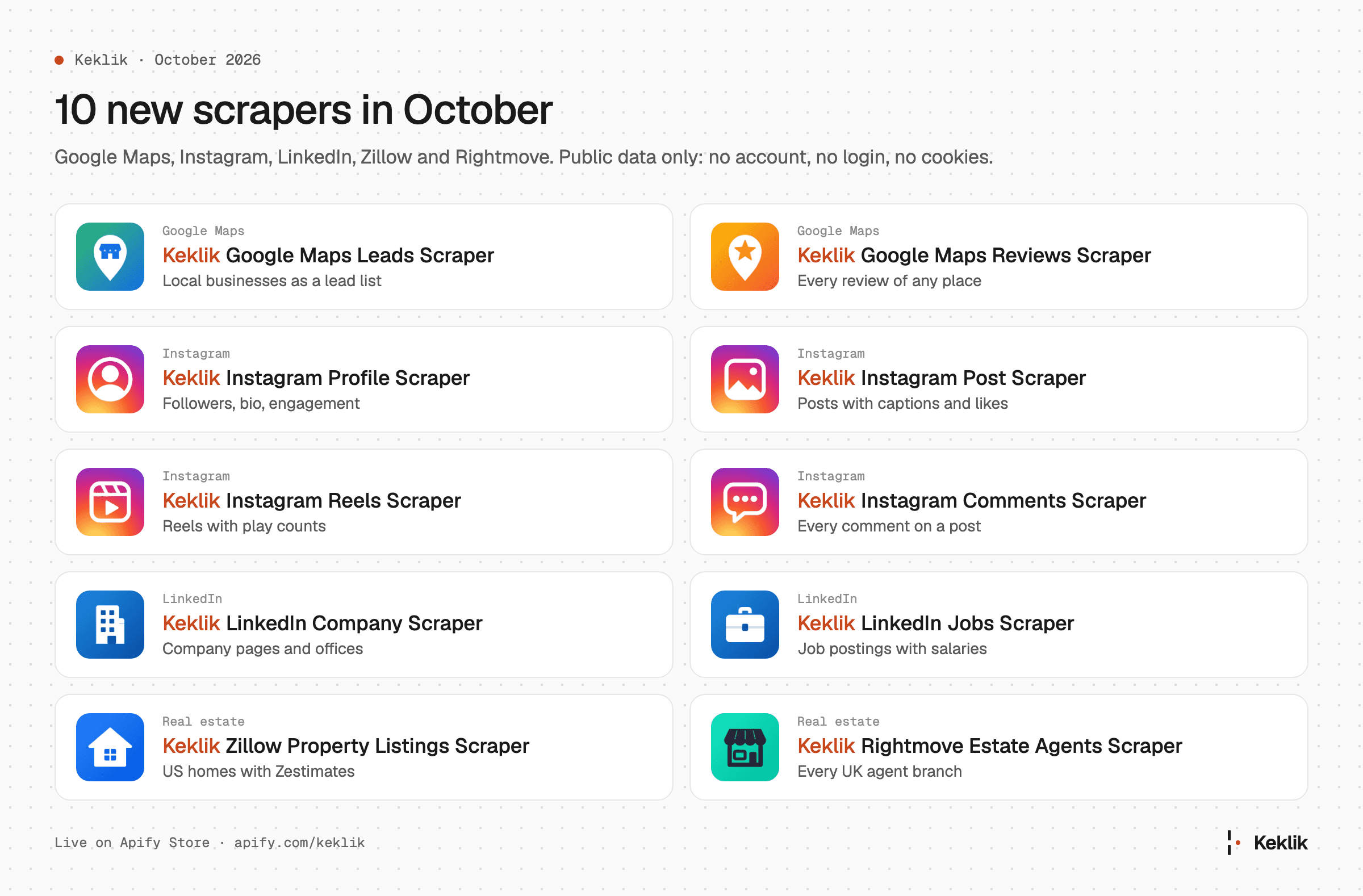
This post grows through the month: we add what's new every Monday, and the final round-up goes out in the first week of December. Missed October? Here's the October round-up.
At a glance
- Keklik Google Maps Leads Scraper: Google's own categories, search around an address or inside your own area, every business inside malls and airports, company details with owners' names, and richer photos.
- Keklik Google Maps Reviews Scraper: sorting by rating that returns every review, faster runs and word search, Google's review summary on every row, and the original date of edited reviews.
Keklik Google Maps Leads Scraper
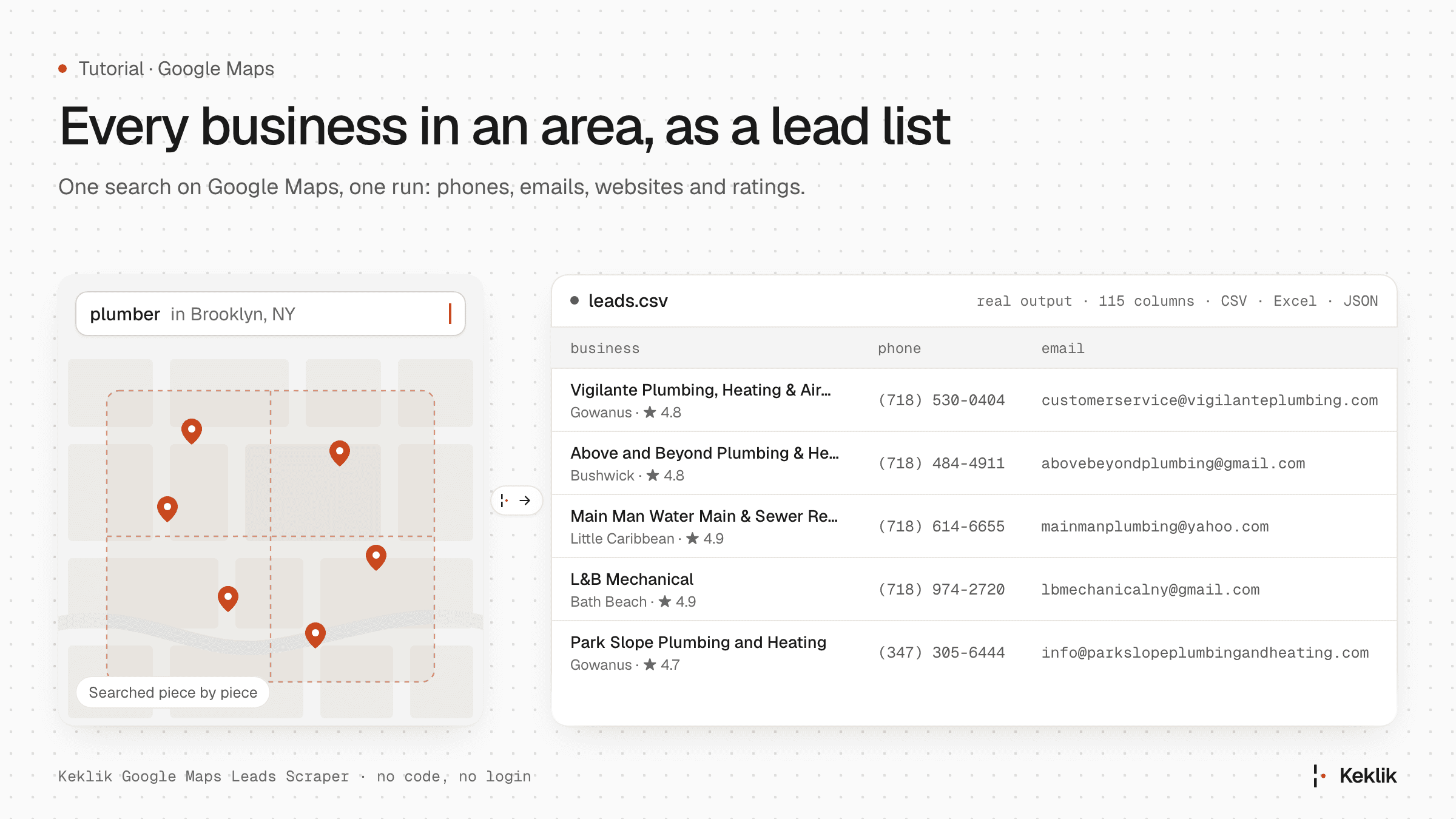
Keklik Google Maps Leads Scraper turns Google Maps into a lead list. This month it learned to pick places by Google's own categories, search any area you can draw, and tell you who owns each business.
Pick Google's own categories
Google gives every place one or more categories: Dentist, Orthodontist, Pediatric dentist, Dental clinic. The new Categories field lets you pick from all of them, about 4,000 of Google's own plus around 400 labels Google Maps uses beyond them, such as Vacation rental, Fuel pump or Subway station. Only places with at least one of your picks are kept:
- Search "dentist" and keep only Orthodontist and Pediatric dentist.
- Turn on Every place in the locations (new in October), pick Vegan restaurant, and get every vegan restaurant in a district without guessing search terms.
- Leave the search term empty, and each category you pick is searched by its own name.
Local names count too. Pick Lawyer and you also get places labelled Attorney in the US or Solicitor in the UK. Categories work in 38 languages, and you pay only for the places that match.
Exact name match. Need one brand? Keep only places named exactly like your search term: "Starbucks" gives you Starbucks, without Starbucks Coffee or Starbucks Reserve. Handy for counting a brand's locations.
Search around an address, or inside your own area
Most lead lists are described as "everything near here". The new Near and Radius fields do exactly that: every dentist within 3 km of an address, every café within 500 m of your office. Need a shape that isn't a circle, such as a sales territory, a delivery zone or a few postcodes? Draw it on any map tool, export it as GeoJSON and paste it into Custom area. You get the places inside it, and you pay only for those.
Districts Google leaves out of its addresses. Google never writes some districts into its addresses. A shop in London's Shoreditch is just "London" on Google Maps, which makes "every business in Shoreditch" a hard list to get. Now it's one search: turn on Every place in the locations, type "Shoreditch, London", and you get every business in the district. In our test, that was 8,427 places, 5,650 of them with a phone number and 5,930 with a website.
Every business inside malls and airports
A mall on Google Maps has its own directory: every shop, restaurant and service inside it, sorted into sections. Turn on Businesses inside each place and you get one row for each of them, with the section it's listed under (Clothing, Food & Drink...). It works for malls, outlet centres, airports, stations, markets, hospitals, universities, stadiums and hotels. In our tests, The Domain in Austin gave 158 businesses, Barton Creek Square 215 and Austin-Bergstrom airport 256.
Your filters apply to them too: pick Shoe store in Categories, search "shopping mall" in a city, and you get the shoe shops inside its malls, not the malls. And it doesn't slow a run down, so you can leave it on whatever you search for: a search for dentists runs just as fast.
Company details and owners' names
With Emails and social profiles on, each business now also comes with its company details: its legal name and form, its registration number and register, its VAT ID, its share capital, and the owners or managing directors by name.
{
  "legal_name": "Muster Zahnarztpraxis GmbH",
  "legal_form": "GmbH",
  "registration_numbers": [
    { "type": "HRB", "value": "123456", "register": "Amtsgericht München" }
  ],
  "vat_ids": ["DE123456789"],
  "people": [
    { "name": "John Doe", "role": "Geschäftsführer", "role_type": "managing_director" }
  ]
}
That's what turns a phone number into a real B2B lead: you know the company you're calling, and who runs it. It's strongest in Germany and Austria, then Switzerland, France and Belgium, at no extra cost, and a switch leaves people's names out if you don't need them.
More profiles. You also get the business's Yelp, Tripadvisor and Foursquare pages and an invite to its Discord server, next to Facebook, Instagram, LinkedIn, X, TikTok, YouTube and Pinterest.
Richer photos
The photos add-on ($) now gives you much more with every photo:
- Full size. Every photo link opens the original image.
- Every photo Google has. Hotels come with the photos from Google's booking partners too. Videos come on top of the photos you ask for, with their length and a link to the video file.
- Labels. Google labels a place's top photos Inside, Outside, Food & drink, Team, Vibe or Products. You get those labels with each photo, plus a count per place, so you can tell at a glance which restaurants show their food and which show their dining room.
- Who posted it. Turn on Photo authors to get, for each photo, who posted it, whether it was the business itself, and when it was uploaded and taken. It's free, but slower, so it's off by default.
For now, photos are still charged once per place that gets them. They're moving to a price per photo, with labels and authors included, in December at the earliest: Apify will email you before it changes, and the December round-up will say what it costs.
More about every place, at no extra cost
- Holiday notes. Google shows a note above a place's hours when a holiday is coming, such as "Veterans Day might affect these hours", or the holiday hours the business set itself. You get them in
hours_notices, with the day, the date and that day's hours. If you call or visit businesses, this tells you who's closed before you try. - The name in its own language. Run a search in English in Tokyo and Google translates the names.
local_nameandlocal_addressgive you the original too: ICHIRAN Shibuya is also "一蘭 渋谷店". In our tests, 9 in 10 places in Tokyo had one, and 7 in 10 in Munich. - Price per person. With Place details ($) on, restaurants, bars and cafés get a
price_per_personestimate, from what reviewers say they spent.answersis how many reviewers said:
"price_per_person": {
  "range": "$20–30",
  "answers": 17,
  "distribution": { "$20–30": 5, "$40–50": 3, "$100+": 3, "$10–20": 2 }
}
Reviews with each place
With Reviews per place on, the reviews you get with each place have the same upgrades as Keklik Google Maps Reviews Scraper, below: sorting by rating that returns more than Google's sample, a word search that covers all of a place's reviews, only recent reviews, real reply dates, edits, and a switch that leaves out reviewer names for GDPR. One difference: sorted by rating, you get each place's latest 600 reviews (all of them, if it has fewer). Reviews also come in faster.
Easier to run, for people and AI agents
The form opens with just what a first run needs: search terms, locations, how many places, emails and language, with everything else grouped by what it does and every paid add-on marked ($). If you run the scraper from Claude, ChatGPT or another agent through Apify's MCP server, set a maximum cost: the run stops cleanly when it reaches it, keeps every place it saved and tells you why. Every output field comes with an example, so agents know what they'll get.
Keklik Google Maps Reviews Scraper
Keklik Google Maps Reviews Scraper collects every review of any Google Maps place, one row per review. This month it got faster, sorts properly and tells you more about every review.
Sorting and search
- Sorting by rating returns every review. Google's own sort by rating returns only a sample of a place's reviews: 145 of 1,085 for one garage in our tests. Here, Highest rating and Lowest rating give you every review, sorted by stars and newest first within each star.
- Faster runs. Big places finish about three times faster.
- Word search across every review. Reviews mentioning keeps only reviews with your words, such as "parking" or "rude", and finds them in seconds, even on places with thousands of reviews. Your words match as whole words, a phrase as a phrase, in the language each review was written in. Turn on Thorough search to also match inside longer words ("park" finds "parking") and in Google's translations of reviews written in other languages.
- Filters by period and stars. Older than with Newer than gives you the reviews of one period. Stars takes any set of ratings, such as 1 and 5 together.
Edited reviews and real dates
- Original dates of edited reviews ($). Google dates an edited review by its last edit. This add-on finds when it was first posted, for 75–90% of edited reviews in our tests, and you pay only for the dates it finds. It's free until 22 November; from then it costs $0.40 per 1,000 dates found on the free plan, down to $0.25 on Business.
- Real dates and clear edits. Each owner reply has its real date next to Google's "2 days ago", and every review says whether it was edited and when.
More on every review
- Place details on every review. Each review carries its place's categories, phone, website, address in parts, coordinates, opening hours, description and main photo, and for hotels the stars, amenities and price level. No second scraper needed to know which business a review is about.
- Google's review summary. Each row also has the place's reviews per star, the topics its reviews mention most with how often, and the short quotes Google highlights.
- Count every review. Get the exact number of reviews you can collect for each place, next to the count Google shows. It's free for now.
- Personal data. Turn off Reviewer names and profiles to leave out who wrote each review, for example for GDPR.
What's next
All of this is live now. Every scraper's full list of changes is on its page: see all scrapers.
Tell us what to build next. Open an issue on any scraper's Issues tab on Apify, or email support@keklik.io.
End